Choose Original soundtrack to keep the configured reference music, or AI-generated for new music in Auto, Hip-hop, Pop, Electronic or Cinematic style. Your selection is saved with the order and included in the video you watch, download or share. Neither choice guarantees permission to publish on another platform.
What Original soundtrack means
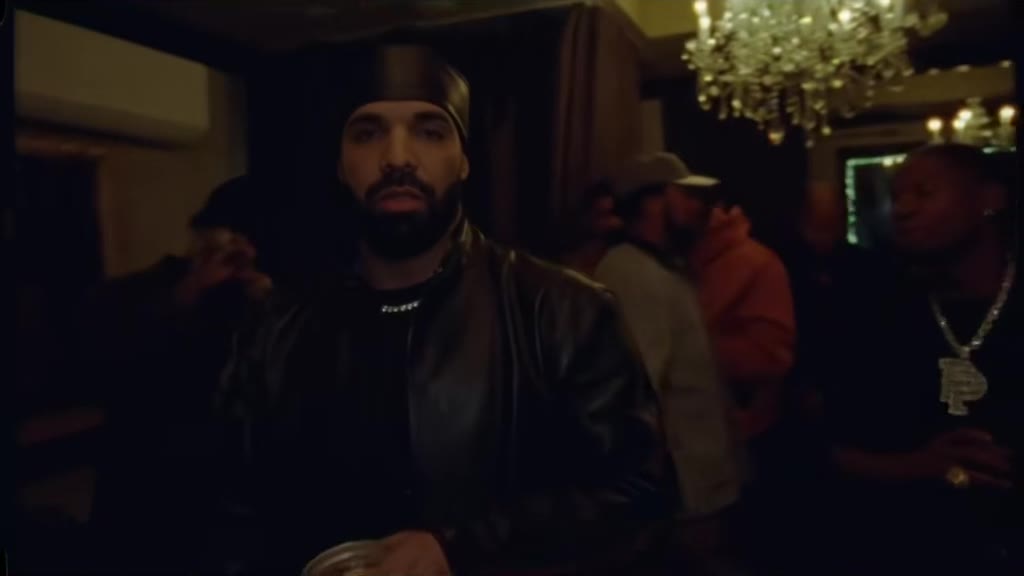
Original soundtrack keeps the audio from the configured Burning Bridges performance reference. The party performance still guides the visual scene, and the original audio accompanies the completed output. This is the choice to consider when the recognizable reference music is central to the idea you want to make.
Keeping the track does not make every movement or lip shape identical to the reference. The disclosed solo-lead demonstration follows the broad gestures and camera progression, while fingers and lip movements differ. Review the complete result with sound; hearing the familiar track should not replace checking the visual details.
What the five AI music styles request
AI-generated music asks for a new soundtrack while keeping the existing visual action as the guide. The style is a direction for the generation, not a licensed-song search, a custom composition brief or a promise that every output will sound a particular way. You do not upload a song or write a separate music prompt in this workflow.
- Auto: a party groove chosen to suit the scene.
- Hip-hop: a rhythmic direction with punchy drums and a relaxed bass groove.
- Pop: a brighter, upbeat direction with a light melody.
- Electronic: a steady dance-oriented beat with layered synths.
- Cinematic: an expressive direction with strings, chords and restrained percussion.
Choose music for the moment you want to share
For a reference-led remake, start by listening to the original demonstration. For a different party mood, choose an AI style that fits your idea: Pop for a bright celebration, Electronic for a dance-oriented atmosphere, or Cinematic for a more dramatic entrance. These are creative starting points, not measured quality comparisons between styles.
The site's soundtrack demonstration lets you compare original and generated audio on the existing example. It does not preview a new personalized result or provide a separate generated sample for every AI style. A friend's taste can also be a useful guide: choose what fits the people and occasion, then judge the actual delivered audio.
Set the music before you pay
Select the soundtrack while reviewing your cast. A free saved draft keeps that selection on this device without uploading photos or creating a video. Before Continue to payment, check both the music mode and any AI style. The current offer is $5.99 once for one 14-second native 768P generation, paid before creation.
Your cast and soundtrack selection are saved with the order. The completed player, MP4 download and optional public share page use the delivered video with that soundtrack. Switching audio on a demonstration does not change an existing paid order. If an order needs help, keep its reference and check its state before making a second purchase.
Listen carefully before publishing
Play from the first frame to the end using headphones or a speaker you trust. Check the start, ending and overall balance, and inspect whether the visible performance feels coherent with the audio. AI-generated sound can vary just as visual details can. No particular style, synchronization quality or audience response is promised.
Before posting externally, review the platform's current music rules and your permission to use the performance, soundtrack and people pictured. Original and AI-generated are descriptions of the studio choices, not a blanket clearance for every public or commercial use. If you edit elsewhere, keep the original downloaded MP4 and review the final exported copy again.
A FEW MORE DETAILS
Common questions.
Does the downloaded video include my selected music?
Yes. The selected original or AI-generated soundtrack belongs to the order and is included in the delivered video used for playback, download and optional sharing.
Can I change an order's music after paying?
A purchase is bound to its selected cast and settings. Choose music before payment; the demonstration's audio switch does not edit your order. Contact support about an existing order before purchasing again.
Is AI-generated music automatically cleared for every social platform?
Do not assume that. Check the current platform rules and the rights relevant to your use before publishing, regardless of which studio music option you selected.
READY WHEN YOU ARE.
Make your entrance.
Choose your photos and music. Review the price before creating.
Need help with an existing order? Contact support with your order reference.