Burning Bridges
AI Video.Your crew. Your scene.

Create a 14-second Burning Bridges AI video from one lead photo. Add optional friends as background guests. No prompt writing.

$5.99 per video · Native 768P · One-time payment, no subscription · Original or AI-generated music.

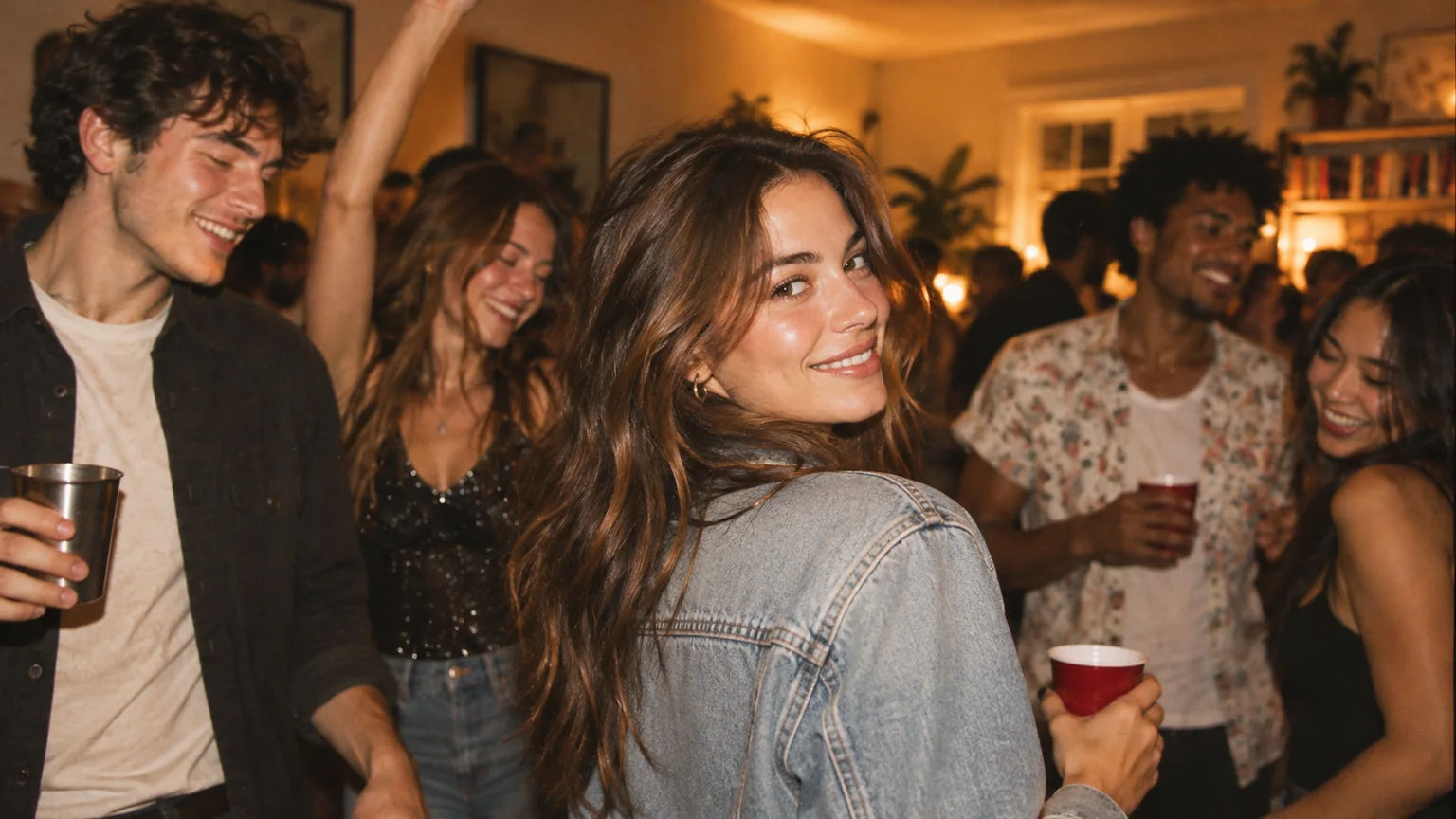
Generated studio sampleOne lead photo · Native 768P

Make your entrance.

Build your cast in three steps.

Sign in to see your credits

Each confirmed purchase adds one credit. A credit is used only when your video is successfully generated and saved.

View credits and videos

Start with one clear portrait. Friends are optional background guests.

Photo tips

No lead yet · 0 friends0.0 / 20 MB

Selecting photos and saving a draft do not upload them.

JPG, PNG or WebP · up to 10 MB

Add up to five separate portraits, or skip this step.

Video resolution

14-second video · Uses the reference performance; likeness and movement may vary. Up to 20 MB of photos total.

Music

Original soundtrack keeps the reference music. AI-generated creates new music for your video.

$5.99 for one generation credit. Pay securely with Stripe. No subscription.

Your photos. Your cast. Your scene.

From group chat to main character.

01

Pick your lead

Choose one clear portrait of the person you want to see in the spotlight.

02

Bring your people

Add separate photos of up to five friends (optional) as supporting background characters.

03

Make your entrance

Pay $5.99 for one generation credit. Choose your photos and music, then create a 14-second native 768P video. The credit is used after the finished video is saved. No subscription.

How Burning Bridges AI Video works

THE BITIO FIELD GUIDE

A little preparation.
A better entrance.

Explore all 9 guides
01

Choose the right photo.

A clear face, useful light and a portrait for each person.

The photo checklist
02

Bring your friends.

Keep one lead in front. Plan your supporting background cast.

The friends guide
03

Set the soundtrack.

Original reference music or a new AI music direction — your choice.

The music guide

A few things
before the
spotlight.

Your Burning Bridges AI video questions, answered.

What is a Burning Bridges AI video?

Burning Bridges AI Video by bitio turns one lead photo into a party performance guided by the Burning Bridges reference video. Each $5.99 payment adds one credit for a 14-second native 768P video, used only after successful generation and storage. Choose original or AI-generated music without writing a prompt. No subscription.

Can I add my friends?

Yes. Add up to five separate friend portraits as supporting background characters, alongside one foreground lead. Leave the friend slots empty for a solo cast. AI may vary their likeness and placement in the finished scene.

Which photos work best?

Use a sharp, well-lit photo with one visible face. An upper-body portrait can also communicate clothing and hair. Avoid sunglasses, heavy filters, and hands covering the face. JPG, PNG and WebP files up to 10 MB are supported, with a 20 MB limit for the whole cast and dimensions of 256–5760 pixels per side.

Can I prepare my cast for free?

Yes. Select photos, arrange your cast, choose original or AI-generated music and save drafts on this device for free. Selecting photos and saving a draft do not upload them or generate a video. Sign in and continue to payment when ready; one 14-second native 768P generation costs $5.99 with no subscription.

What soundtrack comes with my video?

Choose Original soundtrack to keep the reference music, or AI-generated for new music. AI styles include Auto, Hip-hop, Pop, Electronic and Cinematic. Choose before submitting the generation; your choice is included in the video you watch, download or share.

Will every face match perfectly?

AI video editing can change facial features, hands, clothing and background identities, especially during movement or overlap. A clear portrait helps, but exact likeness and perfect consistency are not guaranteed. Always review a completed video before sharing.

Can I share my finished video?

You can download a completed video and optionally create a public share page after confirming permission. Videos stay private until you enable sharing. Check photo, performance and soundtrack permissions before publishing. Images marked Concept Preview are illustrative concepts; the video examples show the reference and an actual generated result.

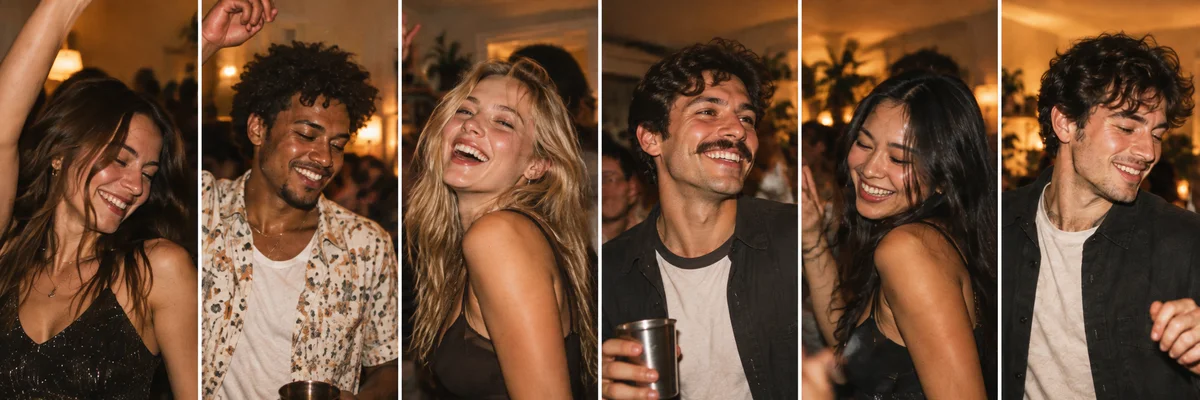
Contact sheet of six fictional adult friends at a party

The group chat
deserves a plot twist.

Build your cast