Use one portrait for the foreground lead and add up to five separate friend portraits in the optional background slots. Friends are supporting characters, not extra leads. Review every photo and confirm permission before the one-time $5.99 payment for a 14-second native 768P generation.
Start with one lead, then add your friends
A Burning Bridges AI video with friends still centers on one person performing in the foreground. Choose the friend who should carry the moment as the lead. The other uploads describe supporting people in the party background, so do not expect six equal close-ups or a sequence of solo performances.
For a birthday idea, you might use the birthday person as the lead and two friends as background guests. For a solo version, leave all friend slots empty. You do not need to fill every slot to complete a cast, and adding more people does not promise a more consistent result.
Give each background friend a readable portrait
Use a separate photo for each person, ideally with one visible face, even lighting and enough upper-body detail to communicate hair and clothing. A group selfie may feel convenient, but reusing it in several slots makes the intended identity of each reference harder to distinguish.
Before adding a photo, open it at a normal viewing size. If you cannot clearly read the face, choose another picture. Avoid sunglasses, hands over the face and strong beauty filters. The portraits do not need to match the source room's lighting; clarity is more useful than recreating the party atmosphere.
Review the entire cast before payment
Check the studio previews one slot at a time. Make sure the lead is in the lead upload and each friend has the intended separate portrait. If you change a person, review the new preview before continuing. Keep your original source photos so you can identify what was submitted if you need order help.
- One lead plus zero to five optional background-friend portraits.
- Real JPG, PNG or WebP files; no more than 10 MB per photo.
- Every image 256–5760 pixels per side, with an aspect ratio between 2:5 and 5:2.
- The complete cast totals no more than 20 MB.
- Permission from everyone whose image you will upload and transform.
Save the crew, choose music and create
Save cast keeps a draft in this browser for free. Selecting portraits and saving the draft do not upload them. A draft is useful while you collect permission or decide between Original soundtrack and AI-generated music. Browser drafts are device-specific, so return to the same browser to restore them.
When ready, sign in with Google, confirm photo permission and continue to payment. Submission uploads the cast privately before Checkout. One $5.99 purchase covers one 14-second native 768P generation with the chosen cast and soundtrack; there is no subscription. After payment is verified, use Create paid video in the restored cast.
Check every person in the finished video
Watch the complete clip, pausing when people overlap or move behind the lead. Check background faces, clothing and hands as well as the main performer. Friend likeness, location and continuity can change during AI editing; an uploaded portrait is a creative reference, not a guarantee of exact screen position.
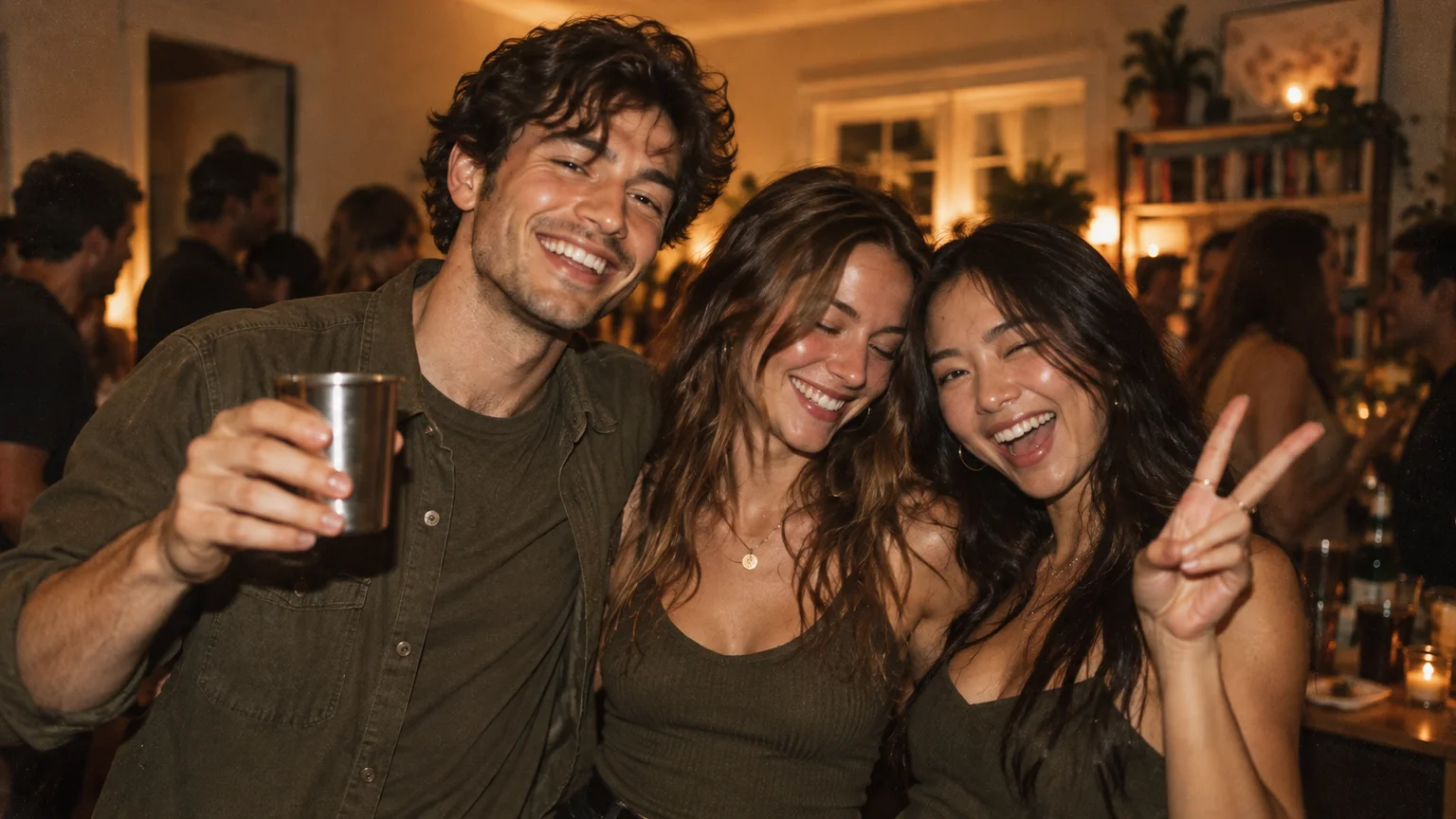
The real example on this site is a single lead-replacement studio demonstration using a fictional adult. It does not prove five-friend fidelity. The crew image on this page is a Concept Preview illustration. If you enable a public share page, confirm sharing permission separately and remember that viewers can save copies.
A FEW MORE DETAILS
Common questions.
How many friends can I add to a Burning Bridges AI video?
You can add up to five optional friend portraits alongside one lead. Each friend has a separate supporting background slot; they do not become additional foreground leads.
Do I have to add all five friends?
No. Leave any or all friend slots empty. A smaller cast can communicate a simpler idea, but no cast size guarantees perfect AI consistency.
Will my friends appear in the exact order I upload them?
The studio preserves your selected slots and references, but generated placement and likeness can vary. Review the finished video instead of assuming fixed screen positions.
READY WHEN YOU ARE.
Make your entrance.
Choose your photos and music. Review the price before creating.
Need help with an existing order? Contact support with your order reference.